Skwela for Cashier / Accounting
For the cashier and accounting: every peso, with a receipt
From the payment window to the school's own books, with the same figures on both sides.
Staff Payments
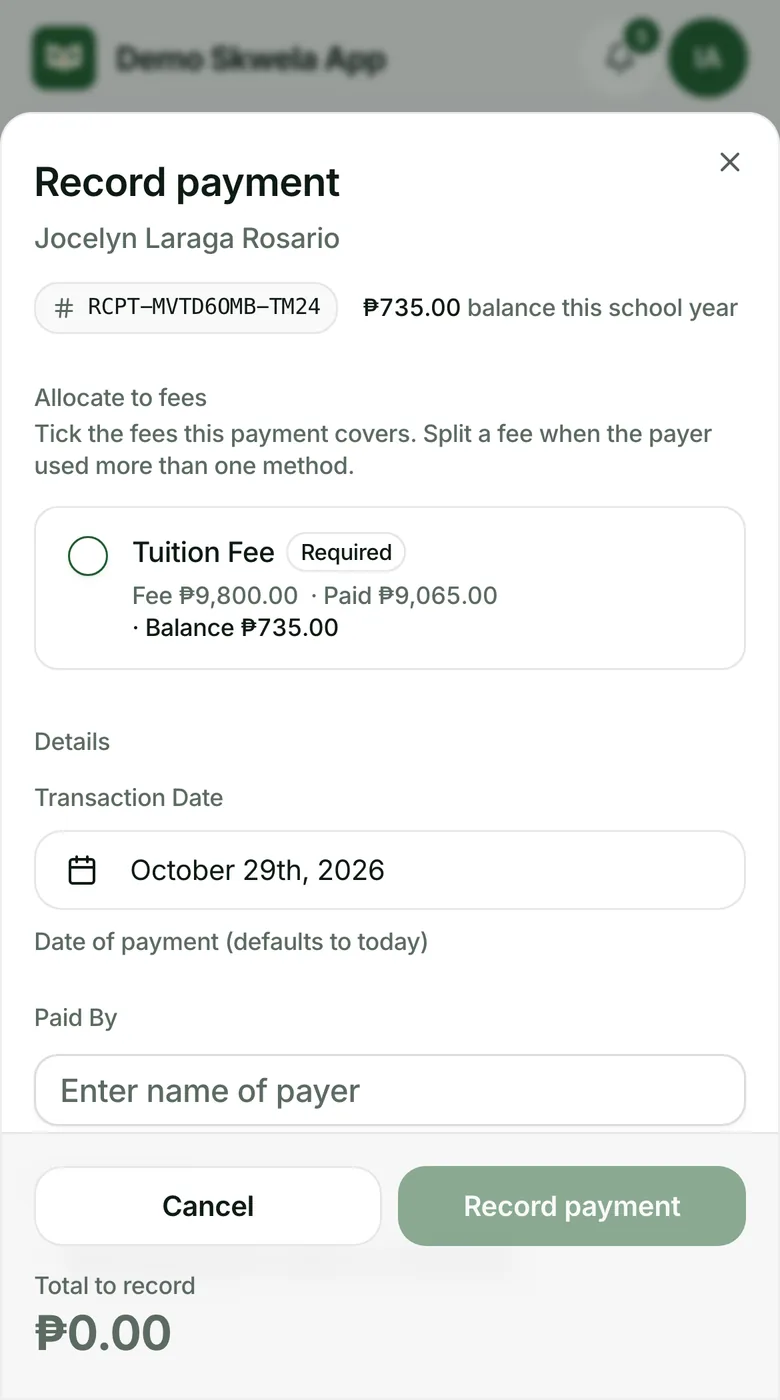
How the cashier records money at the window and approves payments families send online.
- One payment can cover several fees, and each fee can be paid by more than one method.
- Every recorded payment gets its own receipt number and a printable receipt.
- Discounts need a reason and are recorded with the payment.
- Payment proofs from families wait in one review queue; approving one posts the payment and issues its receipt number.
- Before approving, the reviewer checks the reference and amount against the school's own GCash or bank statement.
- Uniforms, IDs and other one-off charges are recorded at the cashier with their own receipt number.
- Allocation
- How one payment is spread across a student's fees.
- Split
- Part of a fee paid by one method, such as cash, GCash or bank transfer.
- Receipt number
- The RCPT- number issued the moment a payment is recorded.
- Payment proof
- A family's screenshot or reference for money sent by e-wallet or bank.
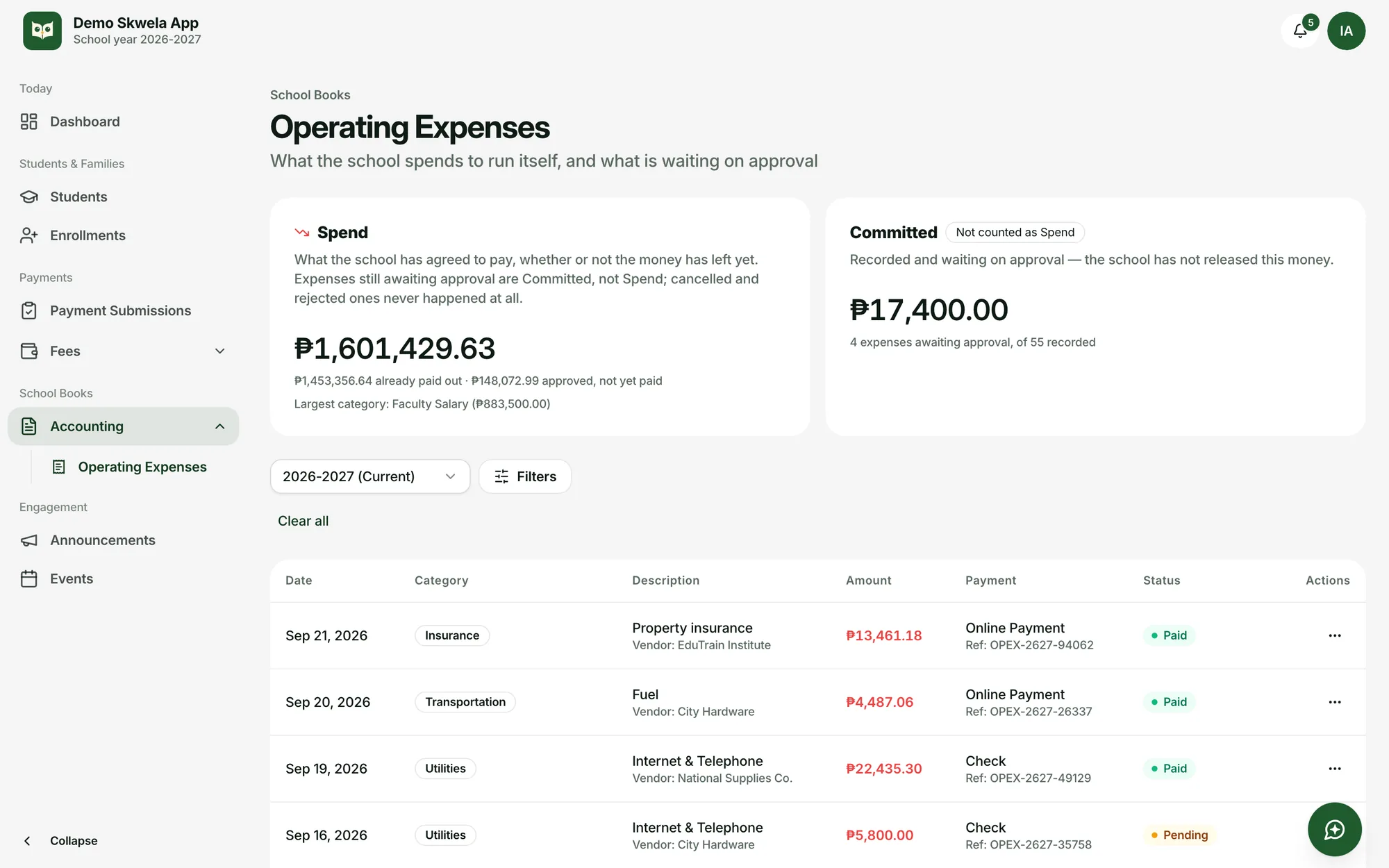
School Books
The school's own money for a school year: what came in, what went out, and what is still owed.
- The Ledger lists every money movement in and out for the school year.
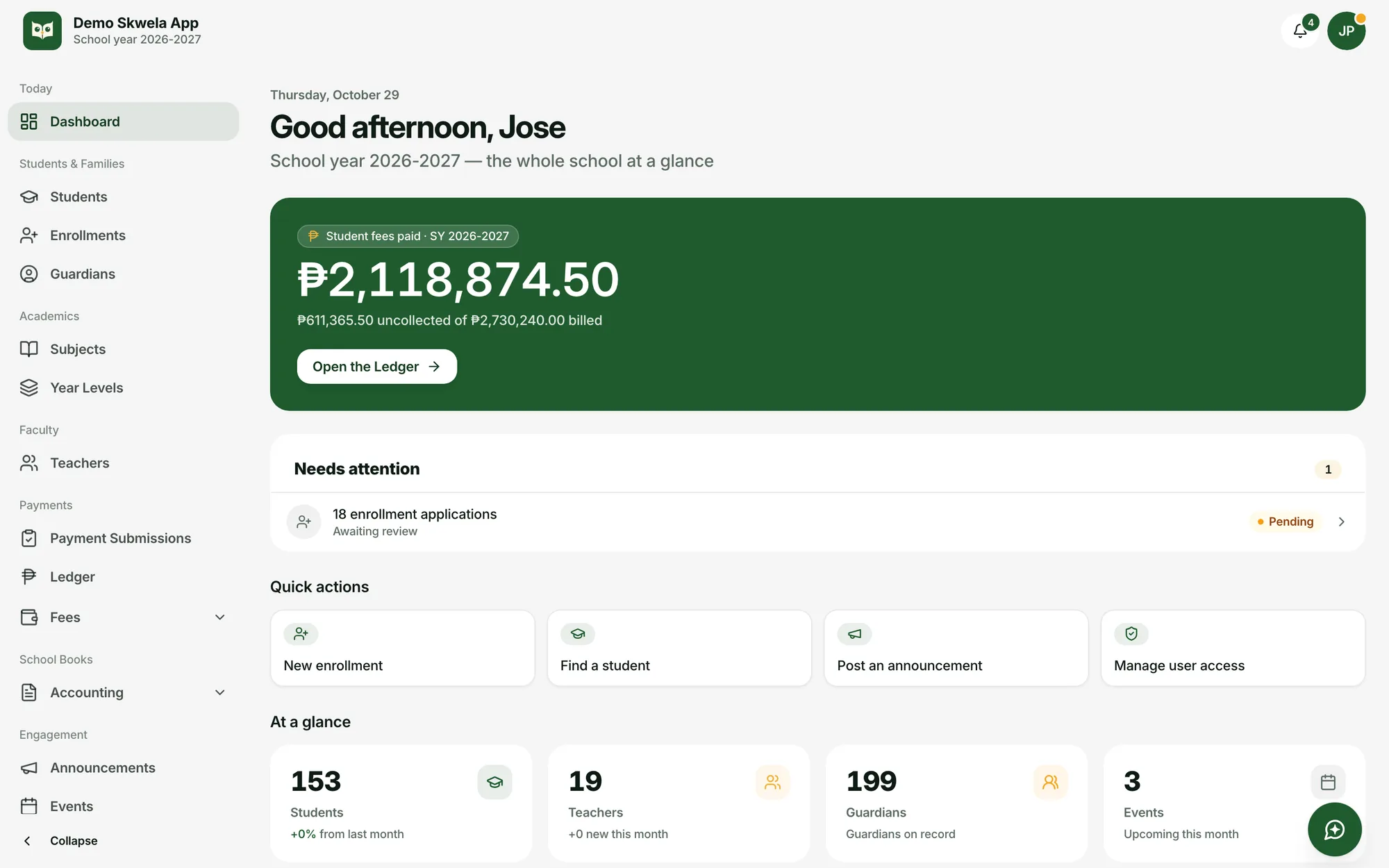
- Billed, Paid and Uncollected always add up: Billed = Paid + Uncollected.
- Operating expenses are recorded with a description and an optional vendor, and move from Pending to Approved to Paid.
- Payroll runs produce payslips, and a paid run can post itself to operating expenses.
- Balance statements email each family its fees, payments and balance; families with no email on file are listed so staff can reach them another way.
- Collected
- Money the school actually received, other fees included.
- Billed
- What students are charged, after approved discounts.
- Paid
- The part of Billed that families have settled.
- Uncollected
- What families still owe; Billed = Paid + Uncollected.
- Ledger
- Every peso in and out, one entry at a time.
Printed Documents
The official paper your school issues, previewed exactly as it prints.
- Form 137 (SF10) prints in its DepEd variants for Elementary, Junior High and Senior High.
- Certificates of Enrollment, Good Moral Certificates and Clearance Forms print from the student record.
- Receipts, the Statement of Account and Payment History print for any student.
- While a student's fees for the school year are unsettled, the SF10 preview is marked DRAFT.
- Documents print on Letter or Legal paper with your school's name, logo and signatories.
- Form 137 (SF10)
- The DepEd Learner's Permanent Academic Record, printed in its Elementary, Junior High and Senior High variants.
- Release
- Printing or downloading a document.
- Hold
- An SF10 held back while the student's balance is unsettled.
- Signatories
- The registrar and principal named on the paper.
Assistant
Staff ask about the school's own records in plain words, and get answers they can check.
- It lists the families most behind on fees, aged by their oldest unpaid due date, so a family paying its monthly installments on time is never counted as late.
- It shows money in and out month by month for a school year, adding up to the School Books, with the tuition installments falling due each month.
- Ask Skwela
- The assistant's name on every Skwela screen, opened from the button at the bottom right.
- Question
- What a staff member types, in their own words.
- Answer
- Figures from the school's records, each with a link to the page that shows it.
- Adviser
- Ask Skwela answering a question about the school's finances, comparing the school only with itself.
- Reference figure
- A number only the person asking can give, such as an inflation rate or another school's tuition.
- Worklist
- The accounts most behind on fees, latest due first.
Other offices
Registrar
Enrollment season, requirements, guardians and the paper the school issues, in the words your office already uses.
Skwela for RegistrarTeachers
Encoding, release, and the faculty record behind each teacher.
Skwela for TeachersParents & Students
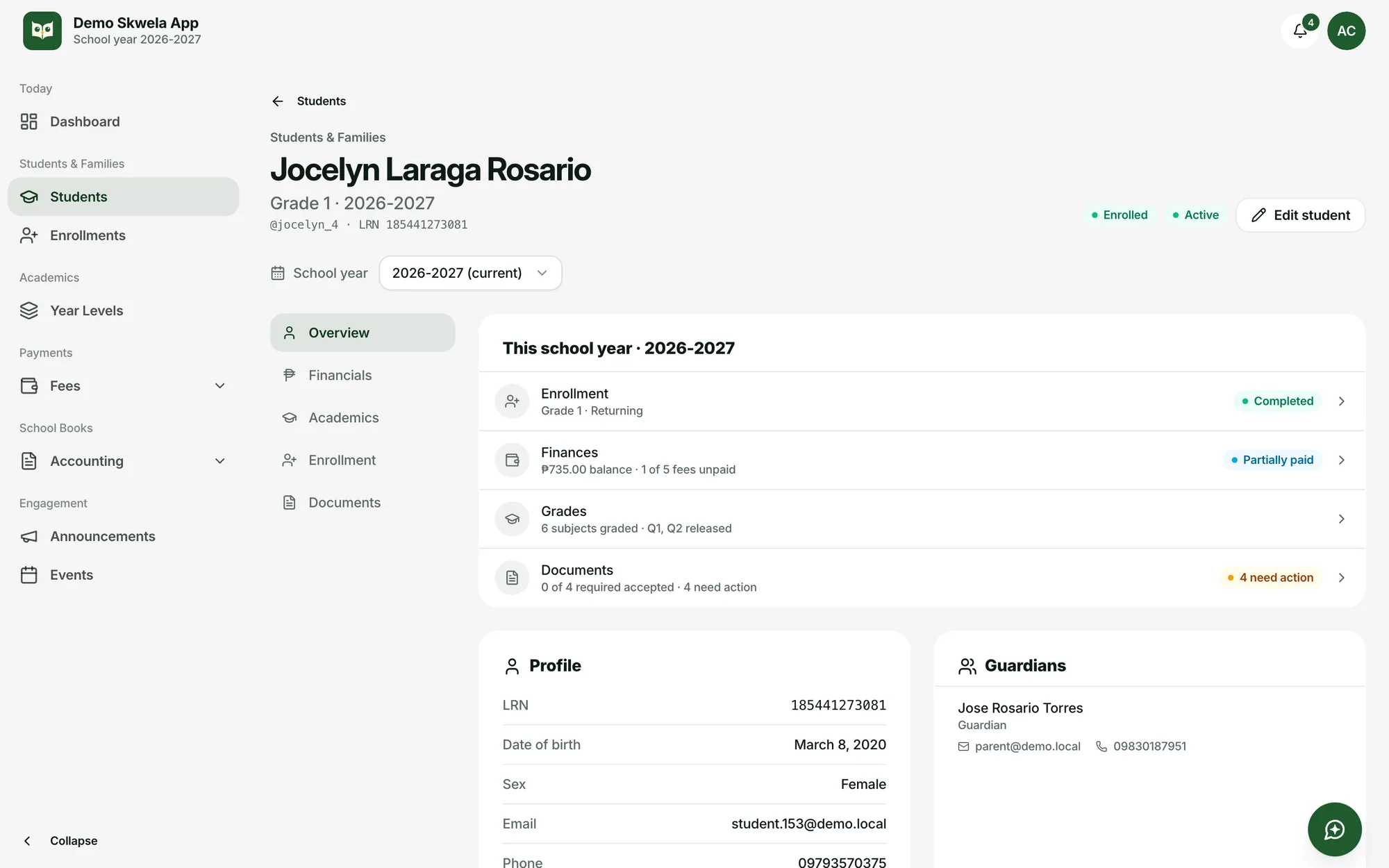
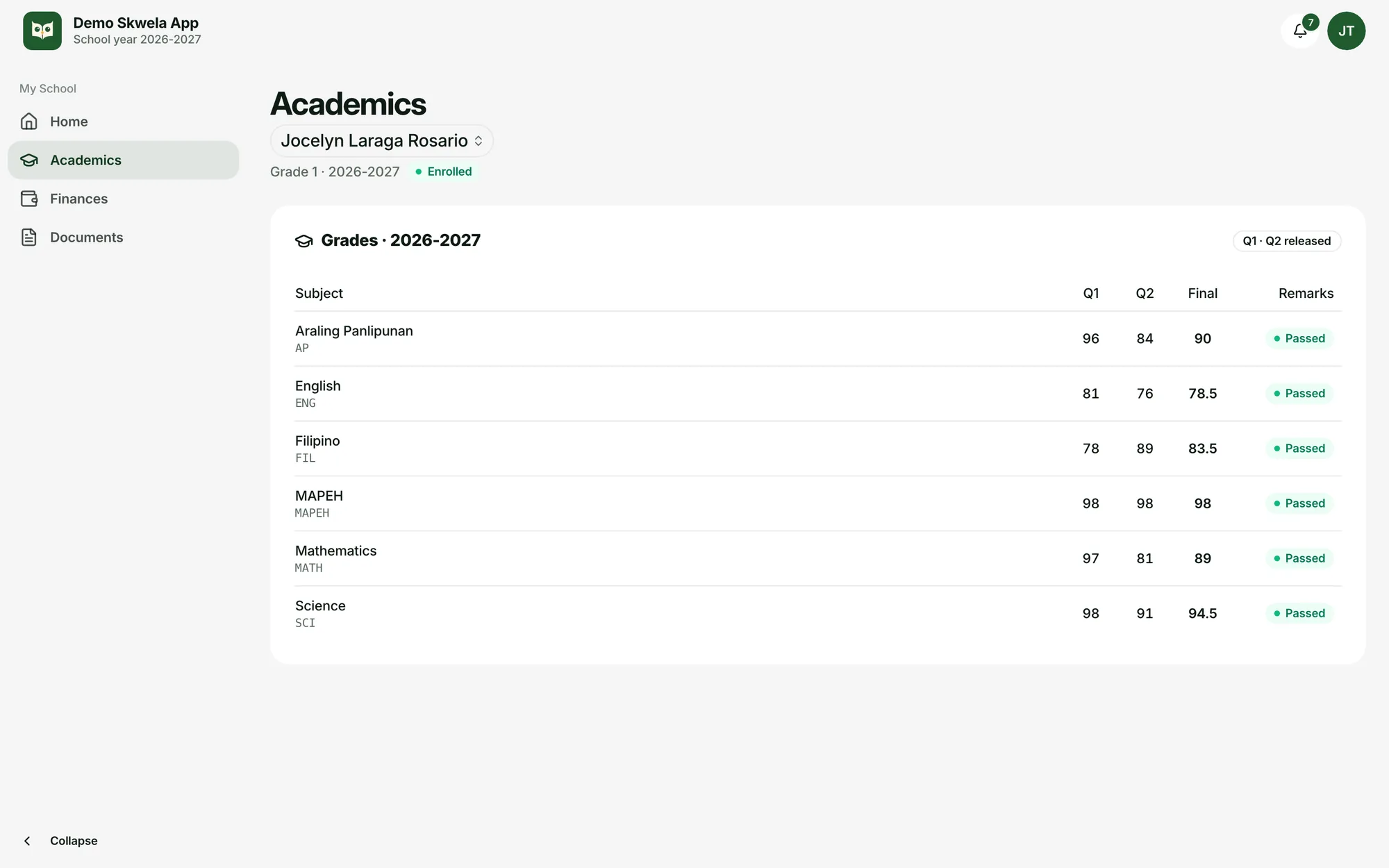
The Family Portal shows what the school's own records show, and nothing your school has not released.
Skwela for Parents & StudentsSchool Heads
The choices an administrator makes once, the school's own books for the year, and a record of who did what.
Skwela for School Heads
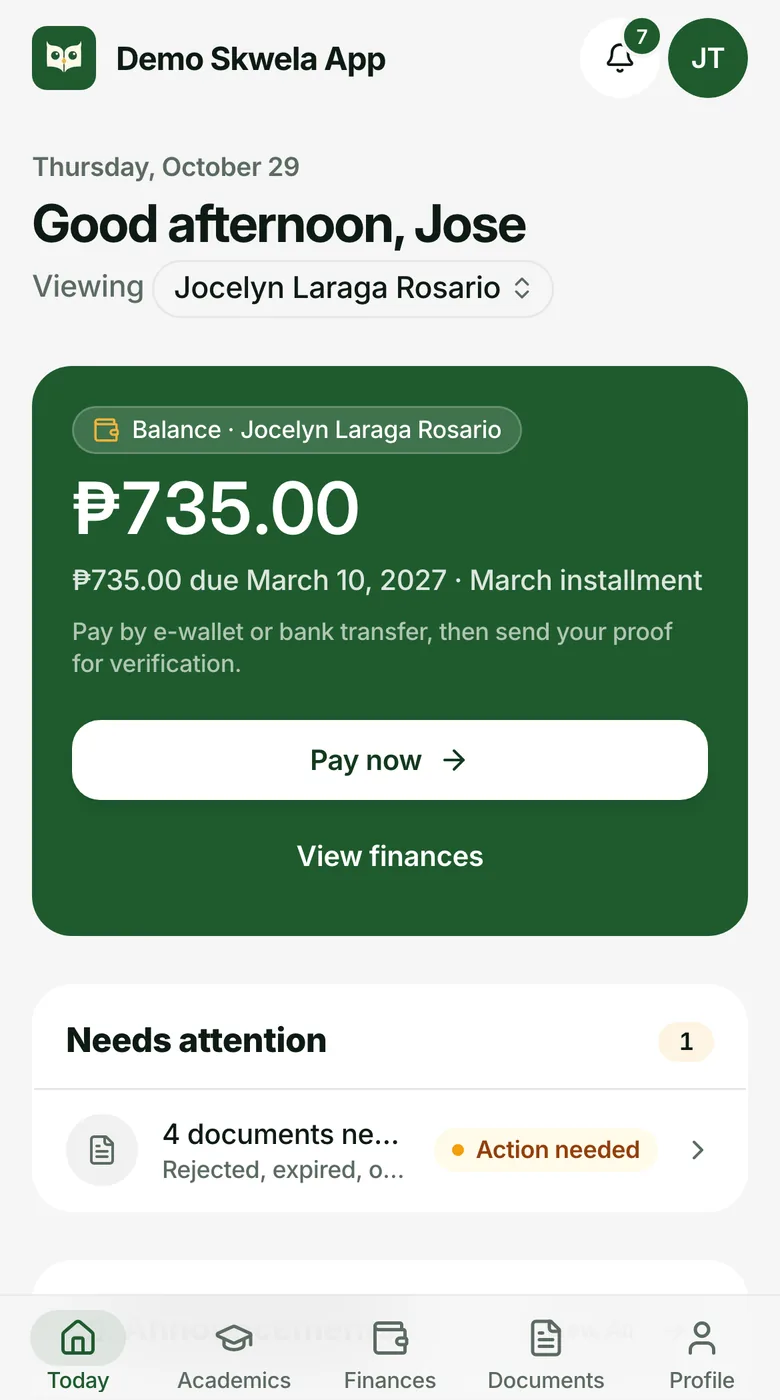
Picture your own school in it
Each page walks through one office's screens, with sample data, in the words that office already uses. Start with the window that has the longest line in June.
Questions about Skwela?
Send a message about your school's office. About Skwela →