Skwela for Parents & Students
For parents and students: the school, on your phone
The Family Portal shows what the school's own records show, and nothing your school has not released.
Request a demoFamily Portal
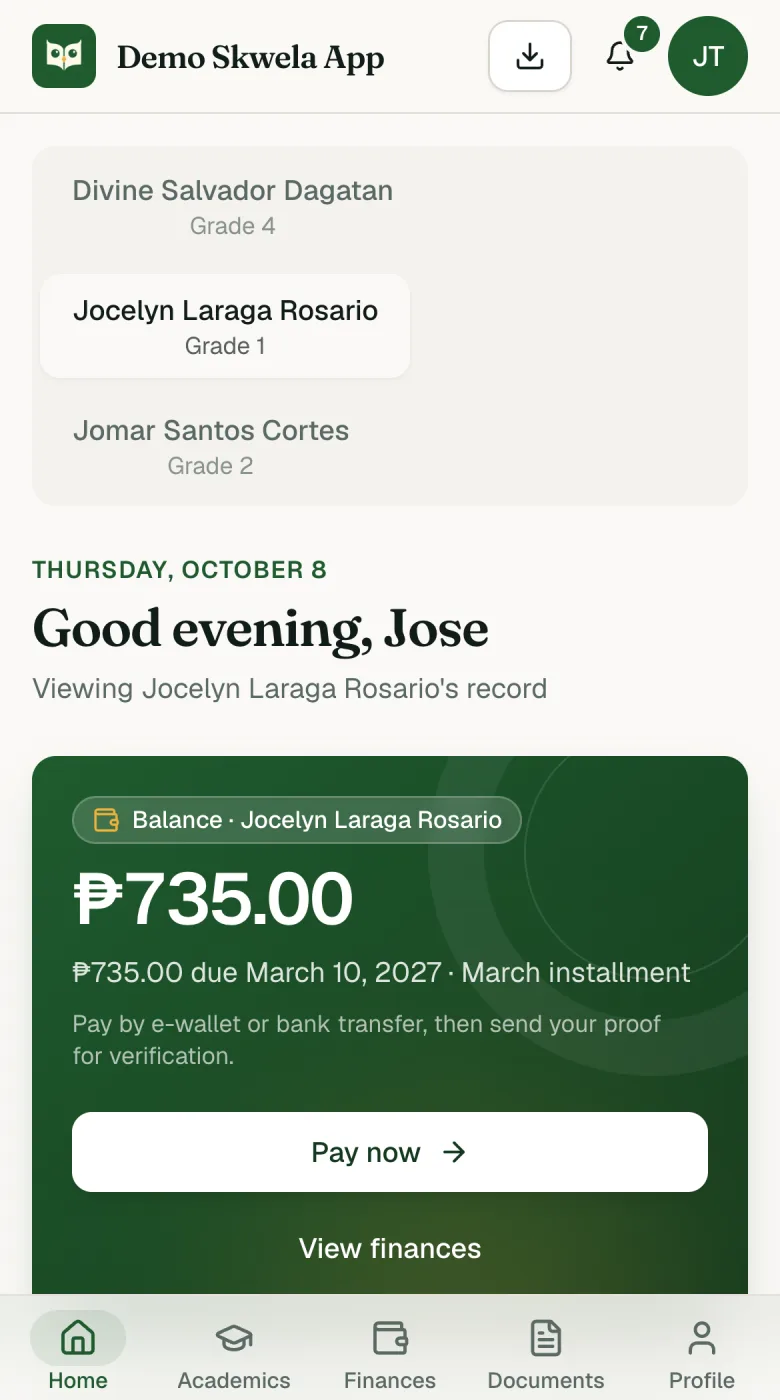
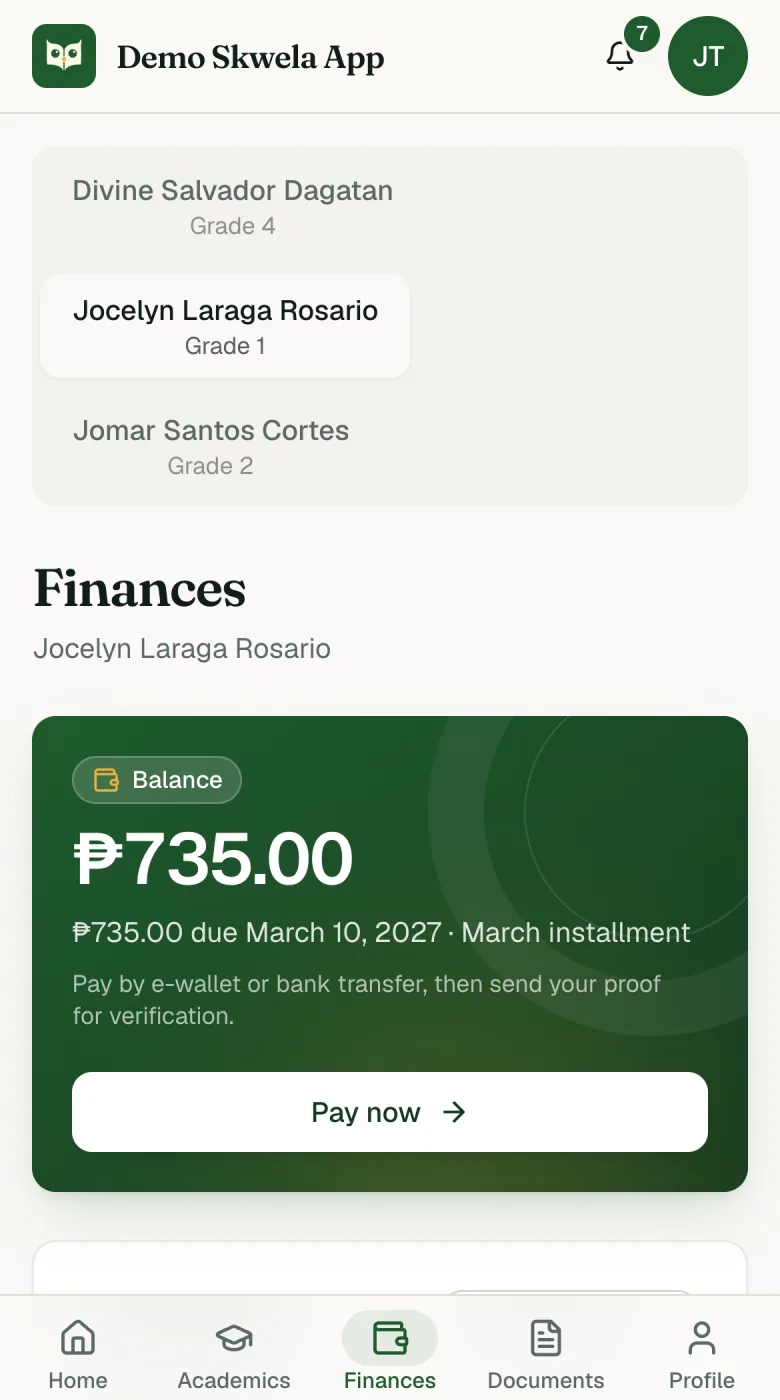
What a parent or student sees on their phone: balance, fees, grades and documents.
- Families have four tabs: Home, Academics, Finances and Documents.
- The Balance comes from the school's own ledger, so the family and the cashier see the same figure.
- Families can pay by e-wallet or bank and send the Payment proof from their phone, when the school turns online payments on.
- A sent proof shows as Pending verification until the cashier approves it; the Balance moves only then.
- Families see grades only for quarters the school has released.
- Families send required documents from the portal and see whether each one is under review, accepted or rejected.
- The portal installs to the phone's home screen and can send push notifications.
- Balance
- What the family still owes right now, across every school year.
- Installment
- One month's portion of tuition, normally June to March.
- Pay now
- Paying by e-wallet or bank and sending the Payment proof from the phone.
- Released
- A quarter's grades the school has shared with families.
See it with your own school's work in mind
Request a demo and a person replies within 1 working day to set a time. We show each office its own screens, with sample data.
Request a demo